


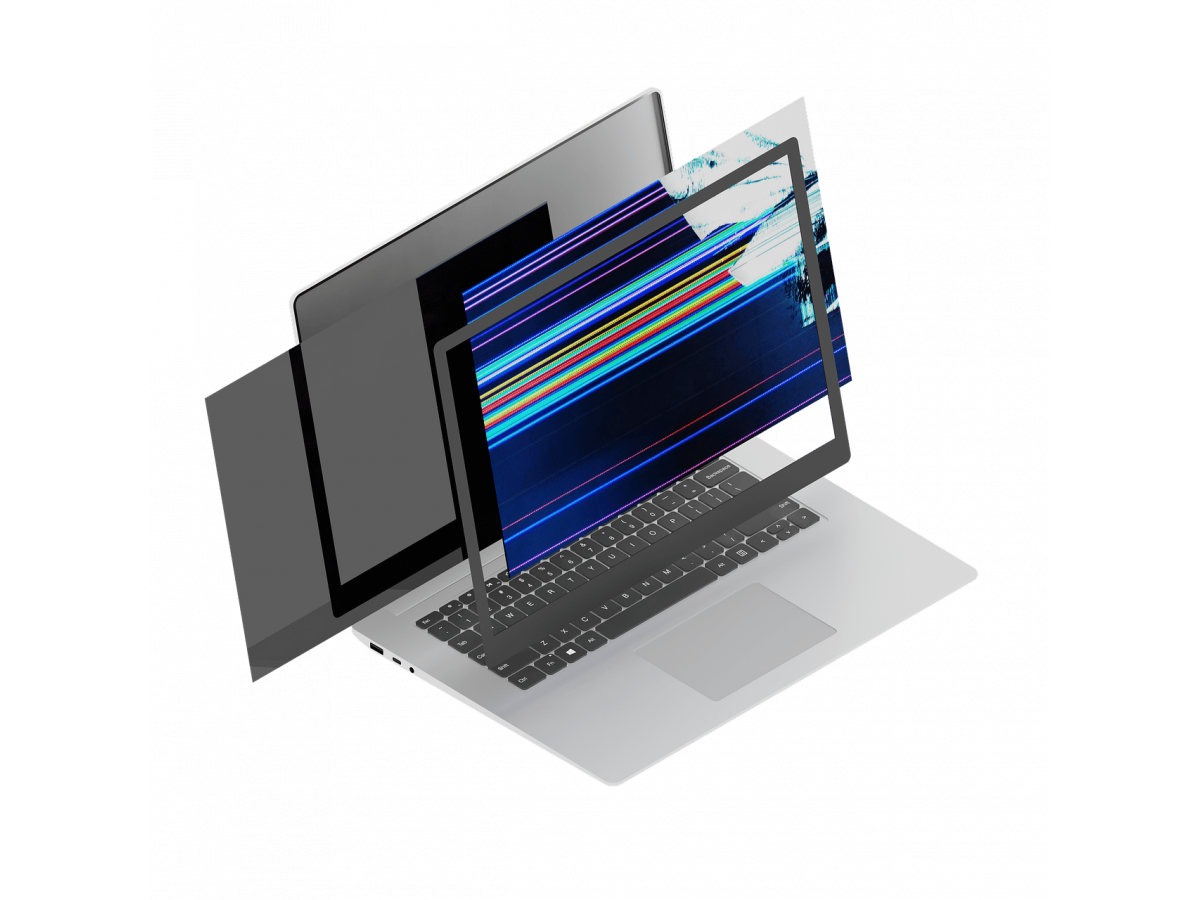
What to do if the laptop screen is broken
A broken laptop screen is one of the most common and most unpleasant breakdowns. Cracks, black spots, streaks, or a completely missing image can appear even after a minor bump or fall.
The specialists of the CESERVICE.UA service center recommend not to panic and act correctly so as not to aggravate the situation and not to spend extra money on repairs.
What to do immediately after the display is damaged
1. Do not try to use the laptop any further
If the screen is cracked or the image is defective, do not continue working. Even a small crack can grow larger over time, and a damaged matrix puts additional stress on internal components.
It is especially important to turn off the device if:
- flickering or dark spots appear
- part of the screen does not work
- a "stream" of black color is visible under the glass
- the laptop reacts unstably to opening the lid
Continued use may result in more expensive repairs.
2. Assess the nature of the damage
There are different types of screen damage, and the method of repair depends on it.
The most common signs of damage are
- cracks or chips on the surface
- vertical or horizontal stripes
- spots, lights, or blackouts
- a completely black screen when the laptop is running
- distorted or flickering image
If the case is not damaged and the laptop is working, in most cases, you only need to replace the matrix without replacing the device case.
3. Do not try to repair it yourself
You can find many instructions on how to disassemble a laptop on the Internet, but without experience it is risky. The screen consists of fragile components, and improper intervention can damage the cables, backlight, and even the motherboard.
Self-repair often leads to:
- additional breakdowns
- loss of laptop performance
- increase in the cost of further repairs
It is better to entrust the diagnosis to specialists.
Check the laptop's performance through an external monitor
To find out if the problem is just the screen, connect your laptop to a TV or external monitor via HDMI. If the image appears, the system is working properly and you only need to replace the display. This is an important step to help assess the extent of the problem.
Contact a service center as soon as possible
A damaged matrix can deteriorate other components over time due to moisture, dust, or internal microcracks, so don't delay the repair.
The CE SERVICE service center will perform
- full diagnostics of the device
- checking the cables and video system
- selection of a compatible matrix
- display replacement
- testing the laptop after repair
In most cases, screen replacement takes from several hours to one day.
Is it worth repairing a laptop with a broken screen?
Most users immediately think about buying a new device, but this is not always justified. Replacing the matrix is usually much cheaper than buying a new laptop, especially if all the main components are working properly.
Advantages of matrix repair:
- cost savings
- fast recovery of the device
- extending the service life of the equipment
- avoiding problems with data transfer to a new device
How to avoid screen damage in the future
To prevent a repeated breakdown
- do not place objects on the keyboard before closing the lid
- use a protective case during transportation
- open the laptop carefully, without putting pressure on the display
- do not carry the device in a crowded bag
Careful use significantly reduces the risk of damage.
A broken laptop screen is an unpleasant, but completely solvable problem. The most important thing is not to use a damaged device and to contact a specialist in a timely manner. In most cases, replacing the matrix quickly returns the laptop to full operation without significant costs.
Write a comment