


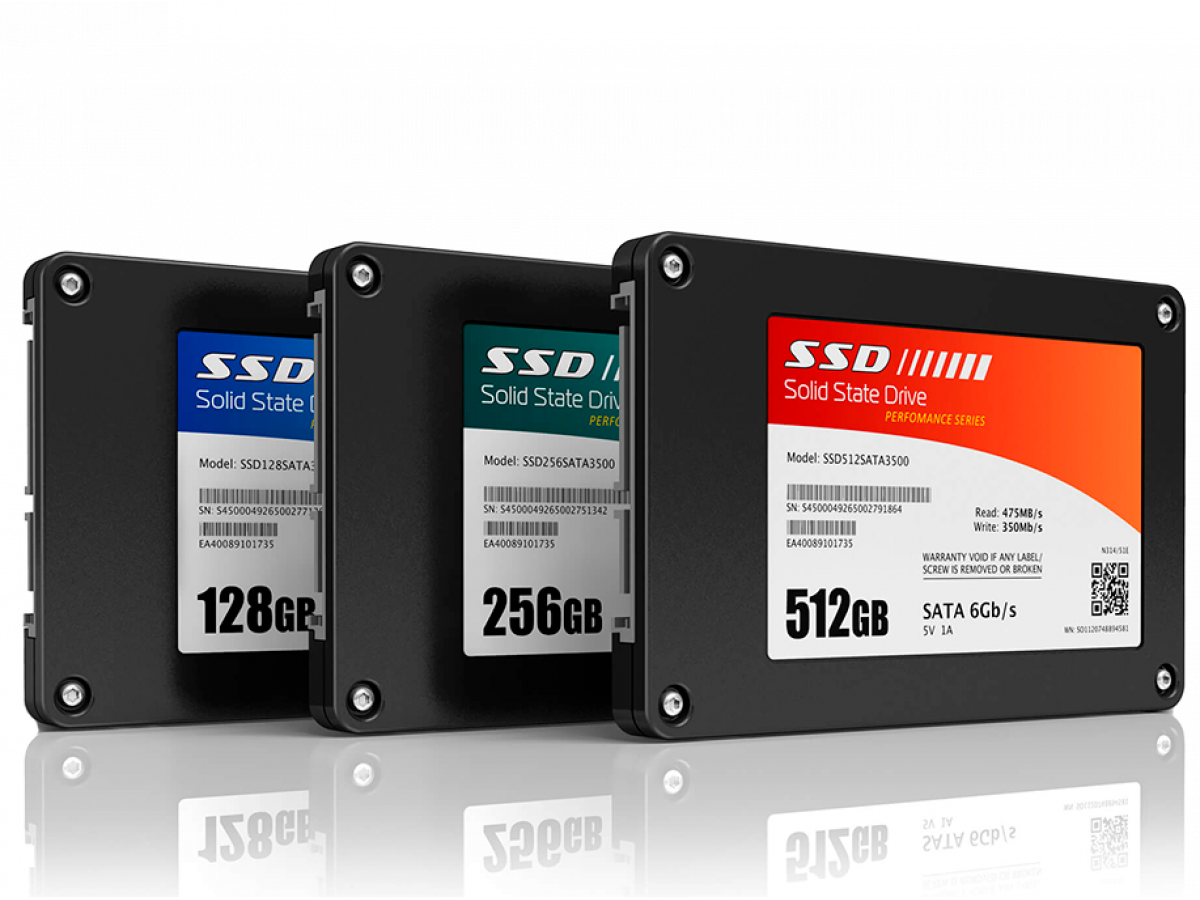
How to choose an SSD for your computer or laptop in 2026
It's hard to imagine a modern computer or laptop without a fast drive. It is the SSD that is responsible for the speed of system startup, opening programs, and overall device performance. But there are dozens of models on the market with different characteristics and prices. So how do you choose an SSD and not overpay for unnecessary features?
Why SSDs are much faster than HDDs
SSDs use flash memory and have no mechanical parts, so they are much faster than classic hard drives.
| Drive type | Average speed |
|---|---|
| HDD | 100-200 MB/s |
| SATA SSD | 500-600 MB/s |
| NVMe SSD | up to 7000 MB/s |
SSDs can be ten times faster than traditional hard drives, especially when working with programs and large files.
System startup time
HDD → 30-60 seconds
SSD → 5-10 seconds
That's why installing an SSD is one of the easiest ways to speed up your computer.
How reliable is an SSD?
In addition to speed, SSDs are also considered to be more reliable.
Average failure rate
| Type of drive | Annual failure rate |
|---|---|
| HDD | 1.4-2.3% |
| SSD | approximately 0.5-1%. |
This is because SSDs have no moving mechanical parts that can wear out or break.
What type of SSD to choose
SATA SSD
The most popular option.
- affordable price
- compatibility with most PCs
- easy installation
SATA SSDs occupy about 38% of the drive market because they have the best price-performance ratio.
M.2 SATA
A compact format of SATA storage.
- small size
- can be installed without cables
- suitable for laptops
NVMe SSD
The fastest drives available.
- ultra-high speed
- ideal for gaming and video editing
- work well with large files
The downside is the higher price. For office work or study, the difference between SATA and NVMe is often almost imperceptible.
What size SSD to choose
Infographic: optimal capacity
| Capacity | What is it suitable for |
|---|---|
| 256 GB | system and basic programs |
| 512 GB | optimal for most |
| 1 TB | games, video editing |
For most users, 512 GB is the best balance of price and capacity.
SSD memory type
Another important parameter is the type of NAND memory:
- SLC - the fastest, but very expensive
- MLC - good reliability
- TLC - the optimal balance of price and speed
- QLC - cheaper but slower
For a home PC or laptop, TLC is the best choice.
Simple tips on how not to overpay for an SSD
- Don't buy too much capacity if you don't need it
- For office tasks, a SATA SSD is enough
- Check the warranty - preferably 3-5 years
- Don't buy too cheap name brands
- Compare features, not just price
Top 5 SSDs in 2026
In 2026, many interesting models appeared on the SSD market - from fast PCIe 5.0 to balanced Gen4 solutions. Below is a selection of the best drives to upgrade your laptop or PC:
- WD Black SN7100 (Gen4 NVMe ) - the best choice for most users, with speeds of 7000MB/s Read / 6700MB/s Write.
- Samsung 9100 PRO (PCIe 5 NVMe ) is a flagship model with up to 14,700 MB/s, ideal for AI processing and large files.
- WD Black SN8100 (PCIe 5 NVMe ) - 14,900 MB/s Read / 14,000 MB/s Write speed, for top-end PCs.
- Samsung 990 EVO Plus (Gen4 NVMe ) - a balance of speed, energy efficiency, and price, 7,250 MB/s, optimized for laptops.
- Crucial P3 (NVMe Gen3 ) - a good SSD for a reasonable price, large capacity, suitable for daily tasks.
SSD is one of the most effective computer upgrades. It significantly speeds up system startup, opening programs, and working with files. To avoid overpaying, choose the right type of drive, the optimal capacity, and pay attention to the type of memory. In most cases, a 512 GB SATA or M.2 SSD with TLC memory will be the best solution for fast and stable computer performance.
Write a comment