


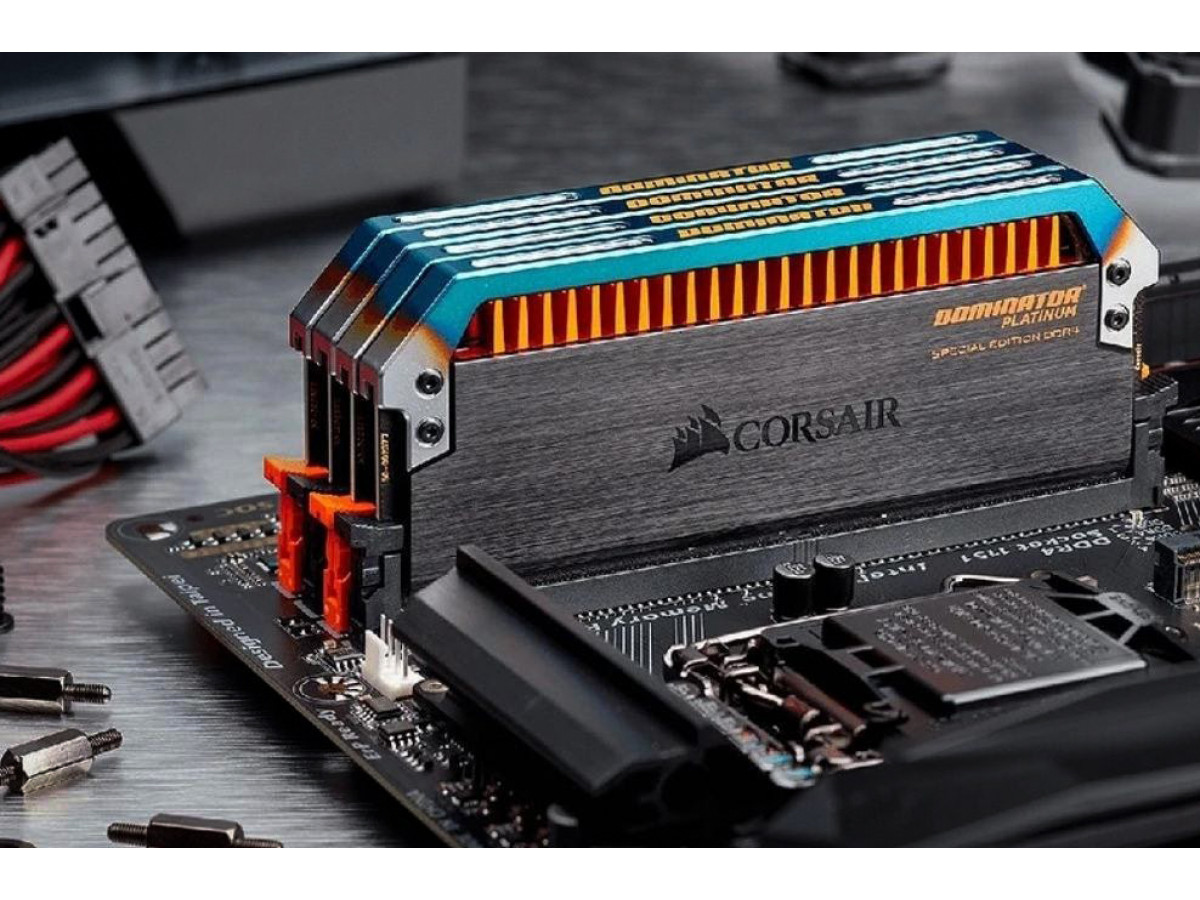
How to Choose the Right RAM for Your PC
When a user decides to add or replace RAM, the most common problem is buying a module that appears to be compatible but is then not recognized by the system or operates erratically. To avoid this, you just need to understand the basic compatibility parameters between RAM and the motherboard.
1. Memory type—the most important parameter
The first thing to check is the RAM generation. Physical and electrical compatibility depend on this.
| RAM type | Voltage | Where it is used |
|---|---|---|
| DDR3 | 1.5V | Older PCs, office systems |
| DDR4 | 1.2V | Most PCs from 2015–2022 |
| DDR5 | 1.1V | Modern new systems |
Important: DDR3, DDR4, and DDR5 are physically incompatible. They have different key (notch) orientations, so it is impossible to install the wrong type.
2. Memory frequency-will there be a performance boost?
The motherboard has limitations regarding the supported RAM frequency.
Example:
- the board supports 1333 / 1600 MHz
- you install 1866 MHz
Result: The memory will work, but it will automatically drop to the maximum supported frequency (1600 MHz).
Rule: You can install faster RAM, but it will operate within the limits of the motherboard’s capabilities.
3. Maximum memory capacity
Every motherboard has a limit on the total amount of RAM.
| System type | Maximum capacity |
|---|---|
| Older DDR3 | 8–16 GB |
| Mid-range | 32 GB |
| Modern systems | 64–128 GB |
Exceeding the limit may result in the system failing to boot or recognizing only a portion of the memory.
4. Number of slots and Dual Channel
Most motherboards have 2 or 4 RAM slots.
Configuration examples:
1×8 GB - standard performance
2×4 GB - higher performance thanks to Dual Channel
Dual Channel can provide a performance boost of approximately 10–30% depending on the tasks.
5. Is the memory brand important?
Using a single brand is not mandatory. Different manufacturers can work together if key parameters match:
- frequency
- timings (CL)
- voltage
6. How to check compatibility before buying
Practical steps:
- Identify the motherboard model
- go to the manufacturer’s website
- Find the Memory Support List
- check the DDR type, maximum capacity, and frequencies
Compatibility example
Motherboard:
- DDR3
- up to 1600 MHz
- up to 16 GB
RAM module:
- DDR3 8 GB 1866 MHz
Result:
- works
- frequency drops to 1600 MHz
- Compatibility is maintained
Common user mistakes
- purchasing DDR4 instead of DDR3
- exceeding the maximum capacity
- Mixing very different memory modules
- Ignoring BIOS updates
A simple life hack
If you don’t want to delve too deeply into the details, simply:
- find the model of your old memory stick and buy a similar one
- or search for your motherboard model + “RAM compatibility”
Checking RAM compatibility with the motherboard boils down to three key parameters:
- DDR type
- maximum capacity
- supported frequency
If these parameters match, the memory will work stably and without issues.
Write a comment