


PC stress testing: why check your computer under load
Have you built a new computer, installed a powerful graphics card, or upgraded your RAM? Before you start using it, you should make sure that all components are working stably. To do this, you can use PC stress testing.
At first glance, the system may work perfectly: Windows starts, programs open, games show high FPS. But under prolonged load, hidden problems often appear - overheating, power instability, memory errors, or incorrect BIOS settings.
What is a computer stress test?
A stress test is a procedure for maximizing the load of components using special programs. They create conditions that far exceed normal use to check the system's stability margin.
In simple terms, it's a technical test of "strength". If a PC passes the test without errors, freezes, or overheating, it is considered stable.
Why you shouldn't neglect testing
Even a new computer can become unstable after a few days or weeks of use. Here are the most common causes of crashes:
- insufficient cooling
- unstable RAM
- problems with the power supply
- factory defects in components
- errors after overclocking
A stress test allows you to identify these problems in advance and avoid data loss or expensive repairs.
Check the processor
The processor is the "brain" of the computer. During testing, it is loaded to 100%, which allows you to evaluate its behavior in extreme conditions.
Temperature, frequencies, power consumption, and stability are monitored. In case of poor cooling, overheating, trotting, or emergency shutdown of the system is possible.
Video card test
The video card is most heavily loaded during games and graphics tasks. Therefore, simple operation on the desktop does not guarantee stability in real conditions.
During the test, the GPU is checked:
- GPU temperature
- video memory stability
- core frequencies
- operation of the cooling system
- the presence of artifacts
It is especially important to test video cards after buying them on the secondary market.
RAM
RAM errors can manifest themselves as random freezes, blue screens, or program closures.
The test checks
- the integrity of memory cells
- stability of XMP profiles
- module compatibility
- read and write errors
Even a single error can indicate future system instability.
Temperature control
One of the main tasks of the stress test is to check the temperature regime.
Overheating is often caused by dust, dried thermal paste, or improper ventilation of the case. Timely diagnostics helps to avoid component degradation.
When to conduct a stress test
- after assembling a new PC
- after replacing components
- after installing RAM
- after cleaning the cooling system
- after overclocking
- in case of freezes and errors
- before selling a computer
Popular programs for stress testing your computer
AIDA64 - comprehensive testing of all components. One of the most popular programs for a comprehensive stress test. Allows you to check the processor, RAM, video card, and cooling system.
OCCT - checks the CPU, GPU, and power supply. A very convenient program for testing the stability of CPU, GPU, PSU. It has temperature graphs and quickly detects errors.
Prime95 - maximizes the CPU load. A classic for stress testing the processor. Heavily loads the CPU and quickly shows problems with stability or overheating.
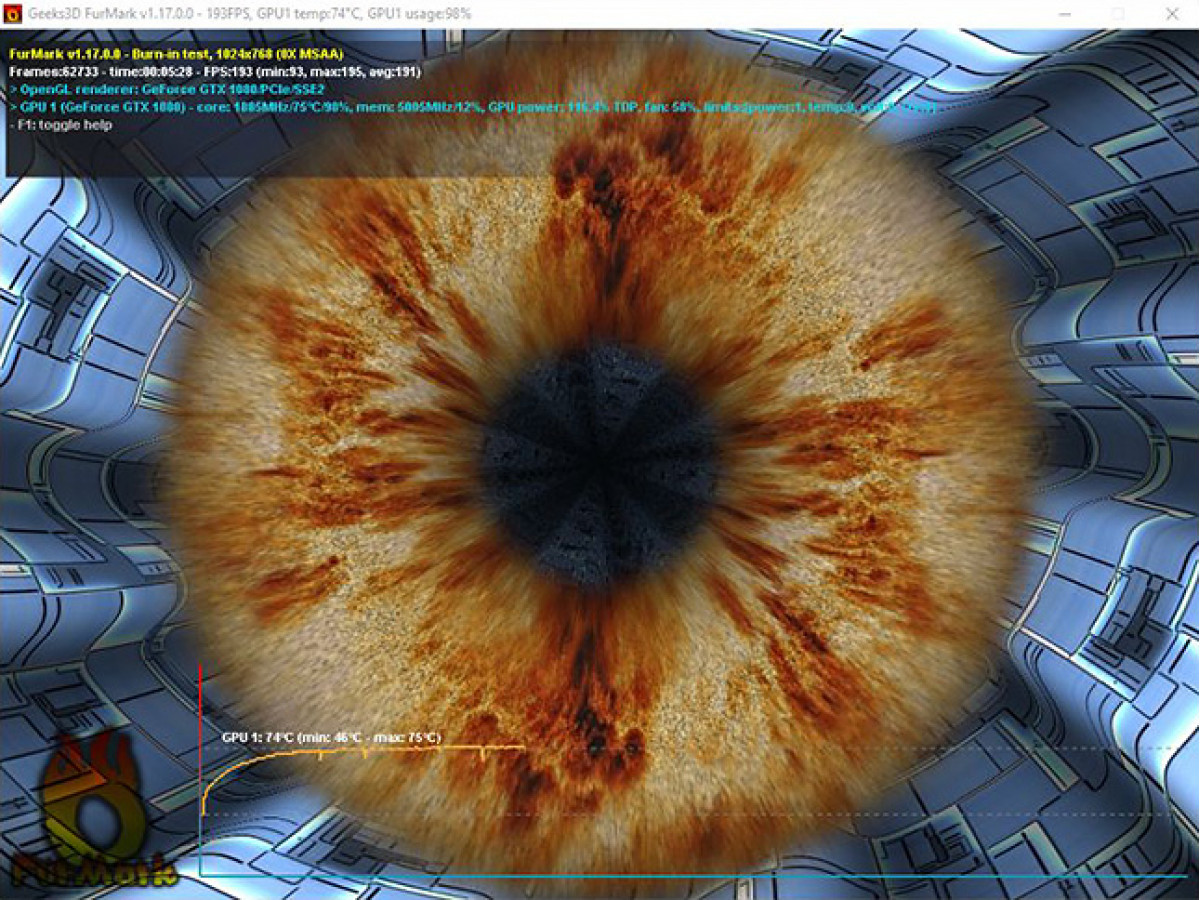
FurMark is an aggressive video card test. It specializes in testing video cards. It puts a very heavy load on the GPU and is useful for checking temperatures and stability.
MemTest86 is an in-depth test of RAM. One of the best programs for checking RAM for errors. It runs before Windows boots.
Cinebench is a CPU performance test. It is used to test the performance and stability of the processor, especially in multithreaded tasks.
3DMark is a gaming benchmark for the GPU. A popular benchmark for testing video card and PC gaming performance.
PC stress testing is a mandatory step in checking system stability after assembly or upgrade.
It allows you to detect hidden problems, evaluate cooling efficiency, and make sure that your computer is ready for real-world gaming or workloads.
Regular checks are the best way to avoid breakdowns and extend the life of your PC.
Write a comment