


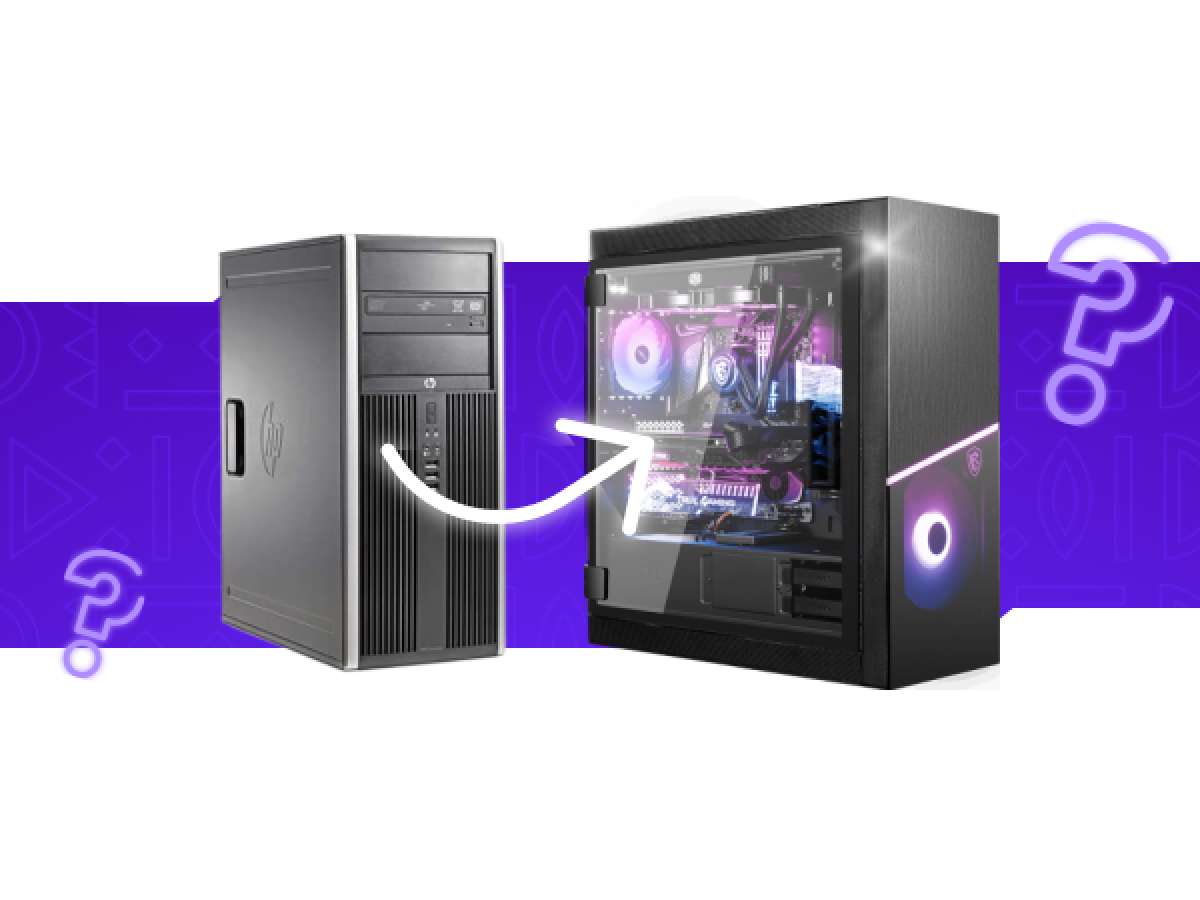
How to Boost Your Computer's Performance Without Buying a New One
A few years after purchase, modern computers begin to slow down, freeze, lag in the browser, or fail to run new programs. This raises the question: what should you do—buy new equipment, repair the old, or upgrade individual components? In this article, we will look at how to improve your computer's performance inexpensively, without spending extra money.
When is an upgrade enough?
Most computers and laptops older than 3-5 years have a good margin of durability. Instead of spending thousands of dollars on new equipment, it is enough to upgrade a few key components.
1. Replace HDD with SSD
This is the best investment in speed. A solid-state drive (SSD) is 5-10 times faster than a classic hard drive (HDD). The operating system boots in 10-15 seconds, programs open instantly, and the overall system response becomes much better.
Cost: from 700 UAH for a 240-256 GB SSD.
2. Add RAM
If you have 4 GB of RAM, that's not enough for modern tasks. Upgrading to 8 GB or 16 GB will significantly speed up your browser, multitasking, office tasks, and even light video editing.
Cost: from 500-600 UAH for a 4 GB DDR3 module or from 1000 UAH for DDR4.
3. Dust cleaning + thermal paste replacement
Computers overheat, causing the processor to throttle and the overall speed to decrease. Preventive maintenance restores normal temperature and performance.
Cost: from 300 UAH, depending on complexity.
When is repair necessary?
Upgrading is not recommended if:
- the computer does not turn on at all;
- the motherboard or video card is damaged;
- the device has been exposed to water or impact;
- the power supply is not functioning or causes the device to restart.
In such cases, diagnostics and repairs are needed first, and only then can you think about upgrading.
The service center www.ceservice.ua provides free initial diagnostics and will recommend whether it is more profitable to repair or upgrade.
What else can be upgraded inexpensively?
Processor upgrade (in desktop PCs)
In many computers on older platforms, you can install a more powerful processor for a few hundred hryvnia. For example, instead of a Core i3, you can install a previous-generation Core i5 or i7. The main thing is to check compatibility with the chipset and BIOS.
Installing a video card
For an office PC with integrated graphics, a budget video card costing 1000-2000 hryvnia is enough to make the computer work better with video, CAD programs, or even run light games.
Tip: Don't forget about software optimization
Even the best hardware will run slowly if the system is cluttered:
- remove unnecessary programs;
- disable autostart in the task manager;
- run an antivirus scan;
- update drivers;
- reinstall Windows (sometimes this is more effective than any upgrade).
In most cases, you can significantly improve your computer's performance without spending a lot of money. Replacing your HDD with an SSD, adding RAM, or simply cleaning your computer can breathe new life into even an old laptop. If the problem is more serious, repair and diagnostics will help you find the best solution.
If you are not sure what is slowing down your computer, contact the CESERVICE service center. Our specialists will quickly diagnose the problem and select the optimal solution for your budget.
Write a comment