


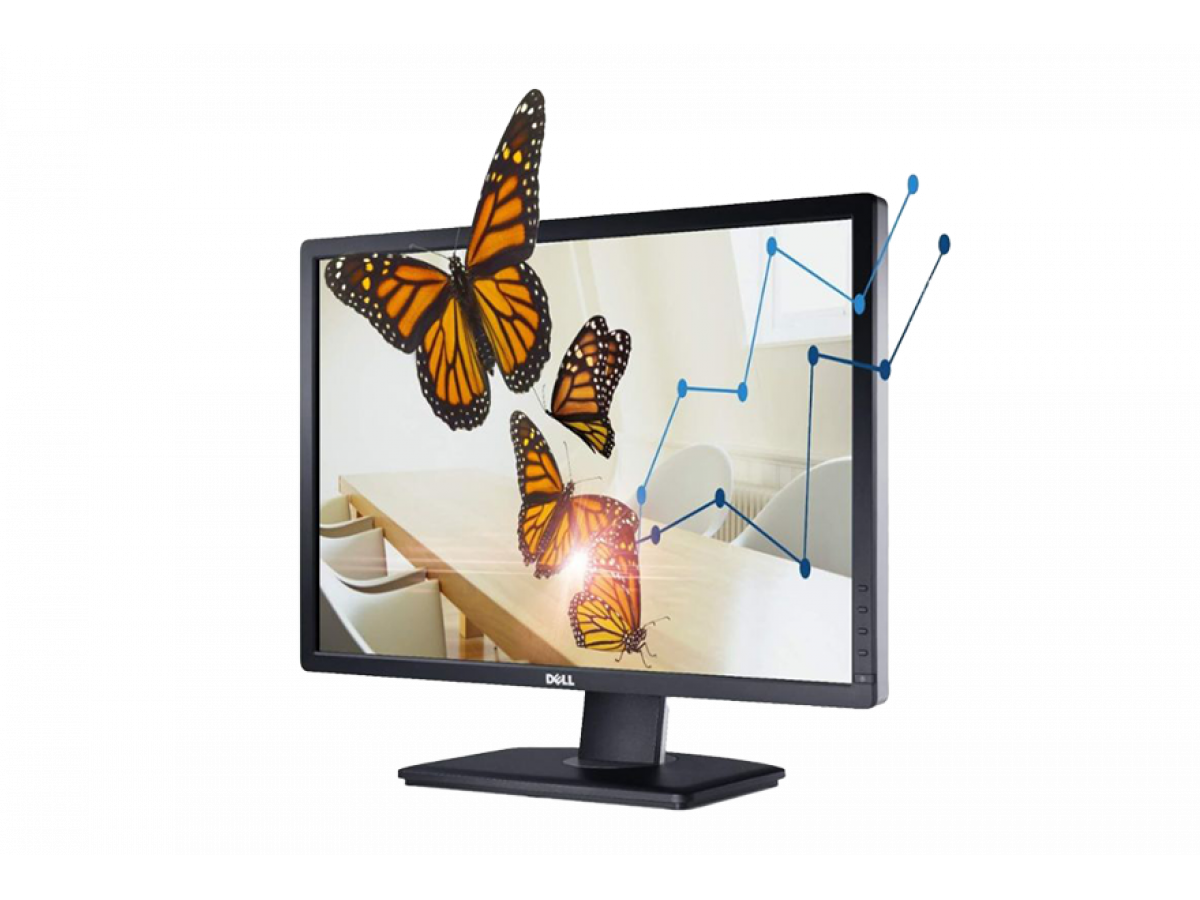
Review of 24" LED IPS Monitor Dell U2412Mb, 1920 x 1200, 8 ms, 16:10, VGA, DVI
The Dell U2412Mb monitor has long been popular among users due to its high image quality, reliability, and versatility. In 2025, this 24-inch display remains a relevant option for office work, education, graphic design, and everyday use. If you are looking for the best combination of price and functionality, it is worth considering a used Dell monitor with a warranty in Kyiv at a significantly lower price than a new device.
Diagonal and Resolution
The Dell U2412Mb has a 24-inch diagonal and a resolution of 1920 x 1200 pixels with a 16:10 aspect ratio. This provides slightly more vertical space than the standard 16:9, which is especially convenient for working with documents, spreadsheets, and word processing programs. Compared to 16:9, the 16:10 ratio allows you to display 11% more vertical information, reducing the need for constant scrolling.
Panel and Colors
The monitor is equipped with an IPS panel, which guarantees wide viewing angles of up to 178° horizontally and vertically. Colors are reproduced richly and naturally, and excellent contrast ensures image clarity even in complex scenes. This is especially important for working with graphics, photos, or videos, as users get accurate color reproduction without distortion.
Response Time and Eye Comfort
The Dell U2412Mb has a response time of 8 ms, making it suitable for most office tasks, video viewing, and basic gaming. The monitor features flicker reduction technology and non-PWM backlighting, which reduces eye strain during long periods of use. Statistics show that users who work at a monitor for more than 6 hours a day report a significant reduction in eye fatigue when using IPS panels compared to TN panels.
Ports and Connectivity
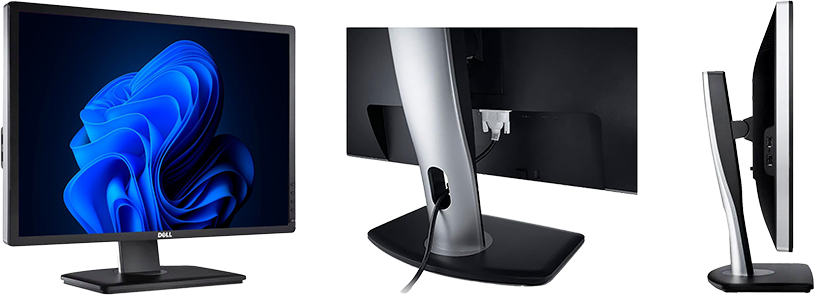
The Dell U2412Mb offers several connectivity options: VGA, DVI, and DisplayPort. This ensures compatibility with most modern and older computer systems. Users can connect multiple devices simultaneously, which is convenient for offices where the monitor is used by several employees or for connecting both laptops and desktops.
Adjustability and Ergonomics
The monitor allows height, tilt, swivel adjustments, and even rotation to portrait mode. This enables creating the most comfortable workspace for any task. Ergonomics are especially important for users who work at a computer all day, as proper monitor positioning reduces strain on the neck and shoulders.
Advantages of Buying a Used Dell Monitor
One of the main advantages is the opportunity to buy a used Dell monitor in Kyiv with a warranty. Used Dell U2412Mb monitors undergo thorough performance checks, testing of all ports and backlighting. This allows you to get a high-quality device at an affordable price, which is especially relevant for offices, educational institutions, and home users who value quality without overpaying.
Interesting Facts
- Supports up to 16.7 million colors, making it ideal for basic graphics work.
- Energy-saving modes reduce power consumption by up to 30%.
- Thanks to the extended 16:10 aspect ratio, users get an additional 120 vertical pixels compared to standard 16:9 1080p displays.
Conclusion
The Dell U2412Mb 24" LED IPS monitor is a reliable solution for work, study, and everyday use. It combines comfortable viewing angles, accurate colors, ergonomic design, and a variety of connection ports. Buying a used Dell monitor with a warranty in Kyiv allows significant savings while getting a proven, high-quality device. It is the ideal choice for those looking for a balance between price and functionality, comfort, and durability when working at a computer.
Write a comment