


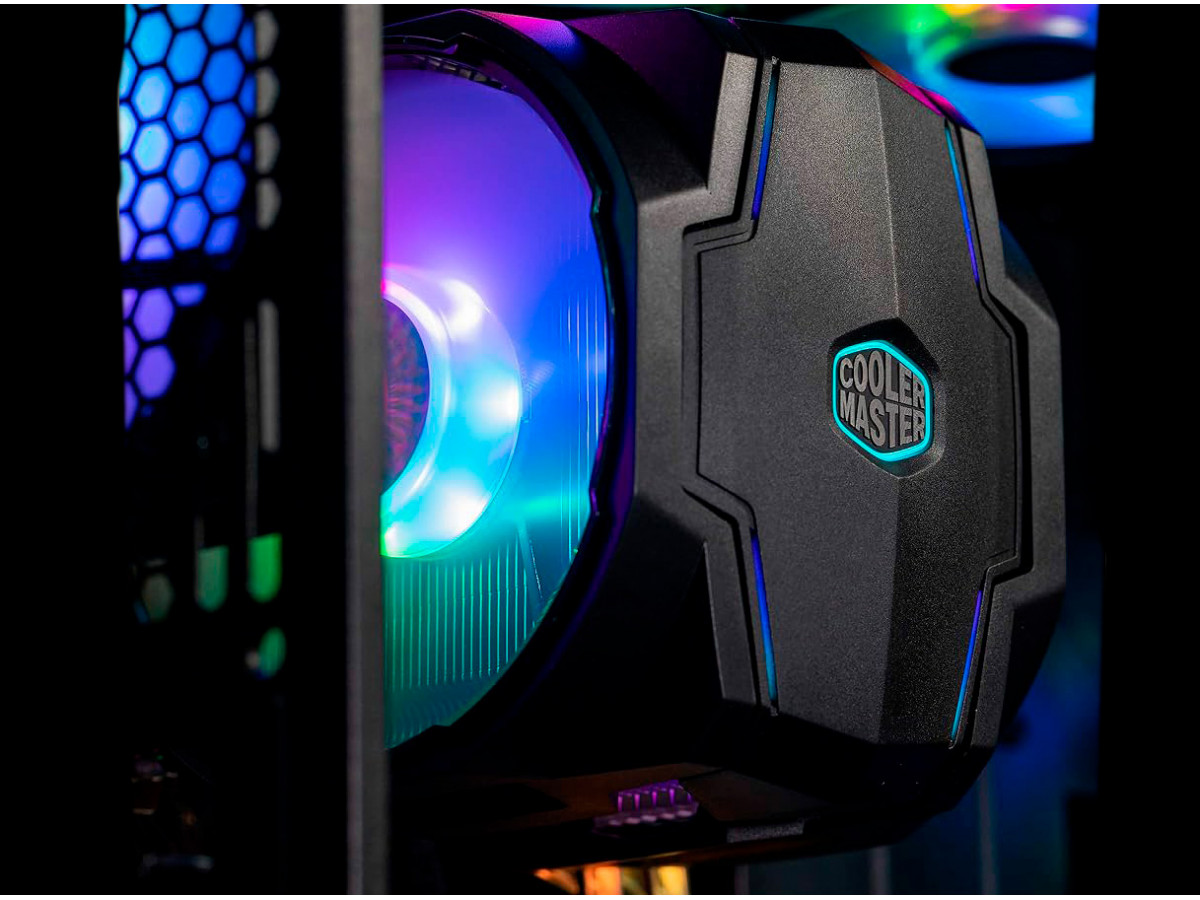
Cooler Master MasterAir MA610P ARGB: review and testing
In the world of computer cooling, Cooler Master has long earned a reputation as a brand that combines performance, style and reliability. One of the best examples of such solutions is the Cooler Master MasterAir MA610P ARGB, a mid-tower cooler with RGB addressable lighting. In this review, we'll take a look at its design, specifications, features, and real-world testing results.
Design and construction
MasterAir MA610P ARGB looks quite monumental for a mid-range tower cooler. The main characteristics of the design:
- Dimensions: 165 × 130 × 110 mm
- Weight: about 1 kg
- Fan type: 2 × 120 mm SickleFlow ARGB
- Heat pipes: 6 copper U-shaped heatpipes
- RGB support: fully addressable ARGB
The cooler is equipped with two fans that are installed in a push-pull configuration. This allows for better airflow through the radiator and lower CPU temperatures even under load. The radiator case is made of aluminum with traditional fins, and copper heat pipes ensure efficient heat dissipation. The ARGB fan lighting is easily synchronized with popular motherboards via ASUS Aura Sync, MSI Mystic Light, and other platforms.
Installation.
The installation process of the Cooler Master MA610P ARGB is quite simple, although due to its size, you sometimes have to adjust the layout of the components in the case a little. The cooler supports most modern Intel and AMD sockets (LGA1200, LGA1700, AM4, AM5). The instructions are quite clear, and the set of fasteners includes everything you need for a quick installation.
Performance and tests
We used the following configuration for testing:
- Processor: Intel Core i7-13700K
- Motherboard: ASUS ROG STRIX Z790-E
- RAM: 32 GB DDR5-6000
- Case: Fractal Design Meshify C
- Test software: Cinebench R23, Prime95, HWMonitor
Temperature indicators
Simple load (office work, browser)
- Processor temperature: 32-36°C
- Noise: 18-20 dB
Gaming load (Cyberpunk 2077, 1440p, high settings)
- Processor temperature: 58-63°C
- Noise: 25-28 dB
Stress test (Prime95, 15 minutes)
- Processor temperature: 72-75°C
- Fan speed: 1600-1800 rpm
- Noise: 30-32 dB
Test analysis
As you can see, Cooler Master MA610P ARGB demonstrates excellent efficiency for a mid-range tower cooler. Even under high load, the CPU temperature remained within safe limits. It is important to note that the installation of two fans in a push-pull configuration significantly improves heat transfer, and the ARGB lighting adds aesthetics without affecting performance.
Noise and comfort
Acoustics is an important aspect in addition to cooling. Thanks to the optimized design of the SickleFlow blades, the cooler is quiet even under load, and the user can adjust the speed via the BIOS or third-party software.
Pros and cons.
Advantages:
- High cooling efficiency
- Supports modern Intel and AMD sockets
- Two fans in a push-pull configuration
- Stylish ARGB backlighting
- Easy installation
Disadvantages:
- Large size may limit compatibility with some cases
- The cost is slightly higher than the basic mid-range models
Conclusion.
Cooler Master MasterAir MA610P ARGB is an excellent choice for users looking for a balance between performance, design, and quiet operation. The cooler provides reliable cooling for modern processors, while adding style with ARGB lighting. For mid- and high-performance systems, it will be a reliable and visually pleasing component.
Write a comment