


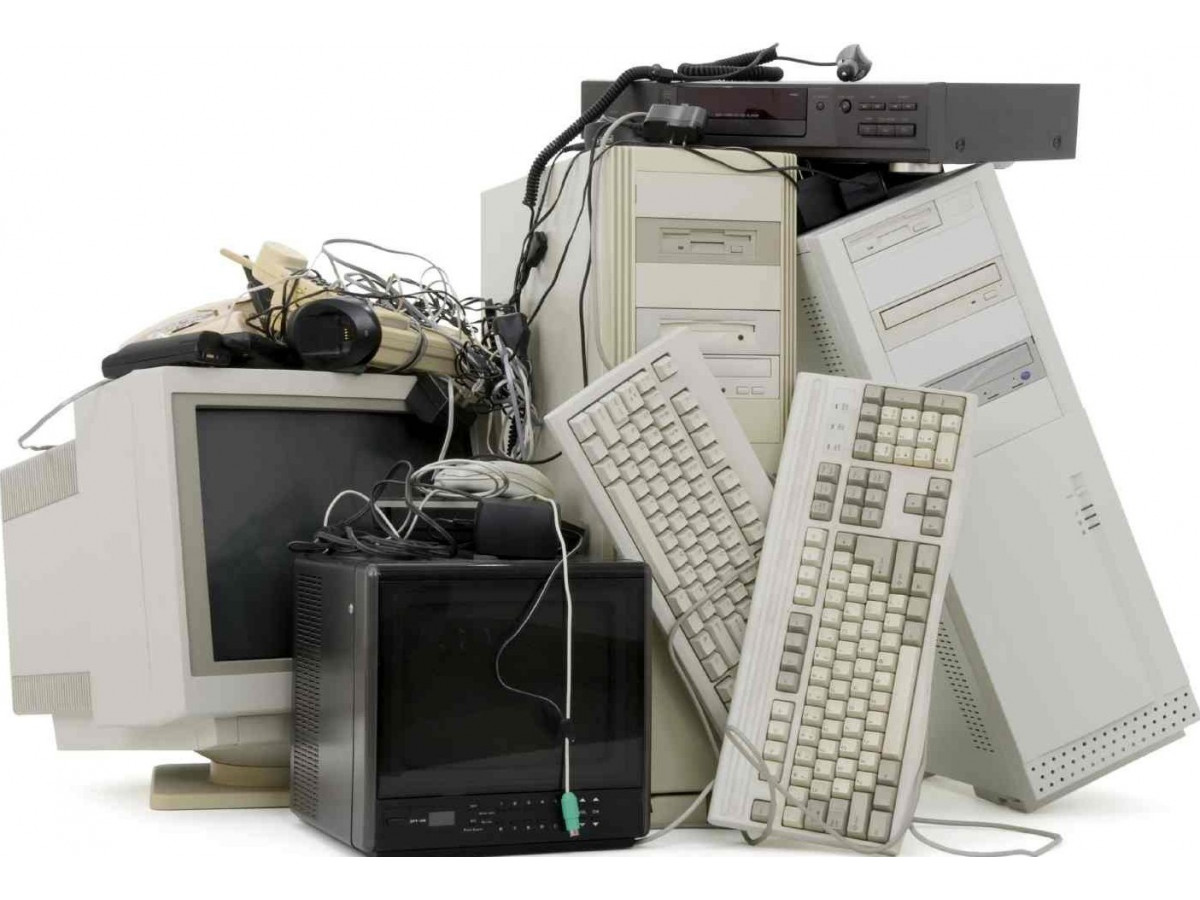
Obsolete PC components: what you need to know
Technology evolves over time, and computer components are no exception. Nowadays, certain PC components that were previously in demand and popular are now obsolete from a moral point of view. In this article, we will examine RAM, video cards, motherboards, processors, drives, and AGP slots, describing which of their characteristics are obsolete and which modern parameters are important for use in a modern PC.
1. DDR2 and DDR3 RAM
Outdated characteristics:
Low capacity and low data transfer speed.
Current recommendations:
Nowadays, with the increase in the size of multimedia files and performance requirements, it is recommended to use RAM with a large capacity (for example, from 8 GB to 16 GB) and high data transfer speed (for example, DDR4 with a frequency of 3200 MHz).
2. Video cards with DirectX 10 architecture and lower
Outdated specifications:
Low graphics memory (VRAM) and lack of support for modern graphics technologies.
Current recommendations:
Video cards with a large amount of VRAM (for example, from 6 GB to 8 GB) and support for the latest technologies, such as DirectX 12 and Ray Tracing, meet current requirements.
3. Motherboards with PCI and AGP slots
Outdated features:
Lack of support for new standards, limited connector options, and outdated architecture.
Current recommendations:
Modern motherboards should support the latest standards (e.g., USB 3.1, PCIe 4.0), have enough connectors (for USB, SATA, and other devices), and feature modern architecture to ensure optimal performance and expandability.
4. Single-core and dual-core processors
Outdated characteristics:
Low operating frequency, small number of cores, and outdated architecture.
Current recommendations:
Modern processors should have a high operating frequency (e.g., 3.5 GHz and above), contain a sufficient number of cores (e.g., four or more), and be based on the latest architecture, such as AMD Ryzen or Intel Core X.
5. Optical drives
Outdated features:
Optical drives have long since lost their relevance due to their low data transfer speeds and limited reading formats.
Current recommendations:
SSD drives and faster data transfer methods are replacing slow optical drives.
In fact, obsolete computer components may still exist, but for maximum performance and compliance with modern requirements, it is worth paying attention to current technologies.
We hope this article has been useful to you.
Best regards, the AS-IT.UA team!
Write a comment