


Which data storage devices are better: comparing internal hard drives and external flash drives
Today, we live in a digital age where each of us creates, downloads, and stores vast amounts of data. When choosing data storage devices, it is important to know the differences between internal hard drives (HDD) and compact SSD drives. Let's take a look at both types and find out which one is better suited to your needs.
Hard disk drive (HDD)
A hard disk drive (HDD) is a traditional data storage device used in most desktop computers and laptops. An HDD consists of rotating magnetic disks and read/write heads. They offer large storage capacities at a lower price, making them an attractive choice for storing large amounts of data, such as media files, photos, and videos. However, HDDs typically have slower read and write speeds compared to SSD drives.
SSD drives
SSD (Solid-State Drive) is a new generation of data storage devices that operate on flash memory without moving parts. SSD drives offer significantly faster data read and write speeds, making them ideal for tasks that require fast data processing, such as running programs and loading operating systems. They are also more reliable and resistant to physical damage, as they have no moving parts.
Pros of SSD:
- High read and write speeds.
- Resistance to shocks and drops.
- Fast loading of operating systems and applications.
Cons of SSD:
- Limited capacity compared to HDD.
- Higher cost per gigabyte of memory.
External flash drives
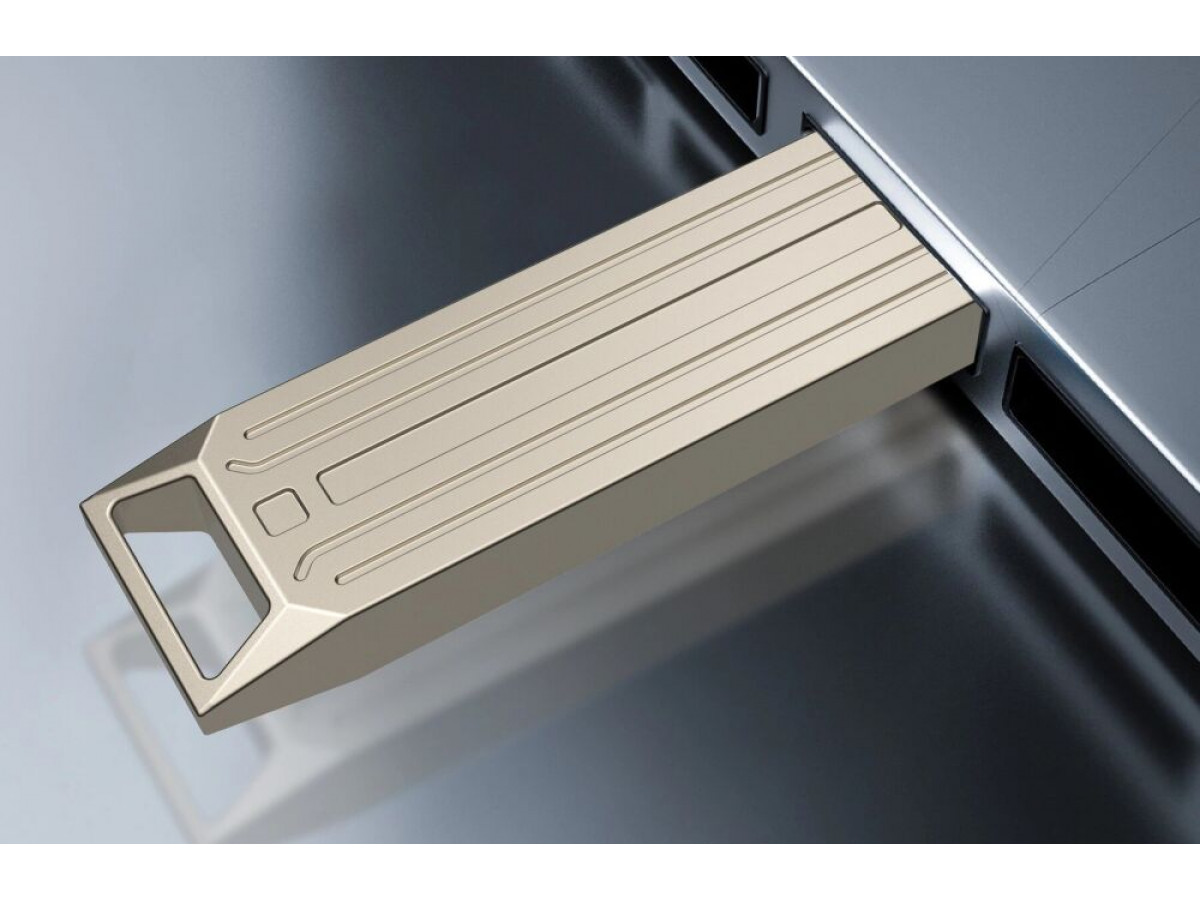
External flash drives, such as USB flash drives, are also worth mentioning. They offer compact and portable data storage, ideal for transferring files between different devices. However, their capacity is usually limited, so they are more suitable for storing small amounts of data or for backup purposes.
Comparison results
When to choose an HDD:
- If you need large storage at an affordable price.
- For storing movies, photo archives, and music.
When to choose an SSD:
- If speed and reliability are important.
- For working with programs and operating systems.
When flash drives are suitable:
- For transferring small files.
- For temporary data storage.
Ultimately, the choice between HDD and flash drives depends on your specific needs. If you need large storage at an affordable price, HDDs are the best option. If you are looking for high performance and reliability, SSD drives will give you fast access to your data. Choosing the best drive depends on your preferences, budget, and the specific tasks you want to accomplish.
Write a comment