


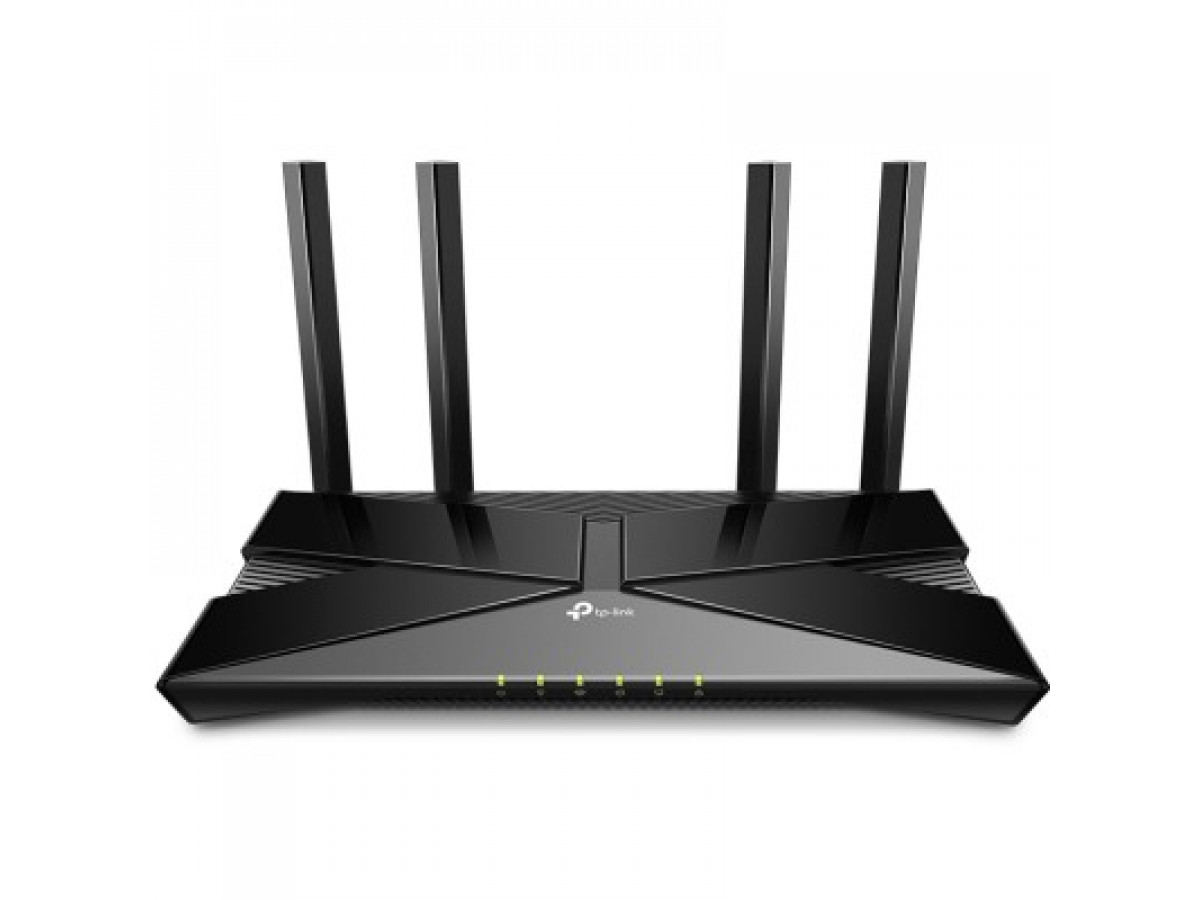
How to Keep Your Wi-Fi Router Running During a Power Outage
In today's world, internet access has become an important part of our daily lives. However, power outages can temporarily cut us off from communication. In such situations, using a power bank to keep your Wi-Fi router running is a very useful solution.
How to ensure the functioning of a Wi-Fi router in the absence of light?
1. Choosing a reliable Internet provider
Let's start with the basics. To ensure uninterrupted access to the network, it is important to choose a reliable Internet provider. Find out about their services, customer reviews, and reliability.
2. First steps in the absence of light
When the lights go out, the first step is to stay calm. Then determine the cause of the power outage: an accident, scheduled maintenance, or something else.
Devices needed to restore your internet connection
To maintain connectivity, it is important to have a few key devices. These include a power bank, a converter cable for your router, and a charger for your mobile devices, also known as a power bank.
Converter cable
A power bank cannot connect to a router on its own. Use a converter cable to connect the power bank to the router and keep it running even when the power is off.
Power bank
This compact device can keep your router and other devices running by providing them with temporary power. It is advisable to have a power bank with a battery capacity of at least 10,000 mAh.
Simple tips for staying connected
To use the internet effectively when there is no power, we recommend using energy-saving modes on your devices, minimizing data consumption, and keeping an eye on your power bank's charge.
Step-by-step connection instructions
- Connect the converter cable from the power bank to the router.
- Start the router and make sure it is connected to the network.
- Now your Wi-Fi is ready to use, even when there is no power supply.
Don't panic when the lights go out. Follow these simple steps to ensure uninterrupted internet access. Choosing the right internet provider and having the necessary devices to restore your connection will make your online experience more stable, despite temporary difficulties.
Write a comment