


Integrated vs Discrete Graphics: What You Need to Know
When choosing a computer or laptop, one of the key parameters is the graphics subsystem. It determines how quickly and efficiently the device can render images, videos, and modern games. Most often, users are faced with two main options: integrated graphics and a discrete graphics card. Both solutions have their strengths and weaknesses, so it is important to understand the difference between them before buying.
What is integrated graphics?
Integrated graphics (iGPU) is a graphics module built into the processor or motherboard. It uses system RAM resources and works together with the central processor. Modern integrated solutions, such as Intel Iris Xe or AMD Radeon Vega, demonstrate fairly good performance for everyday tasks.
Advantages of integrated graphics:
- Energy efficiency — consumes less energy, which is especially important for laptops.
- Lower cost — devices with iGPU are cheaper than models with discrete cards.
- Compactness — does not take up extra space, allowing for the creation of thin and light laptops.
- Quiet operation — often does not require additional cooling.
Disadvantages:
- Lower performance — not suitable for modern “heavy” games or 3D modeling.
- Limited memory — uses RAM, which can reduce overall system speed.
What is discrete graphics?
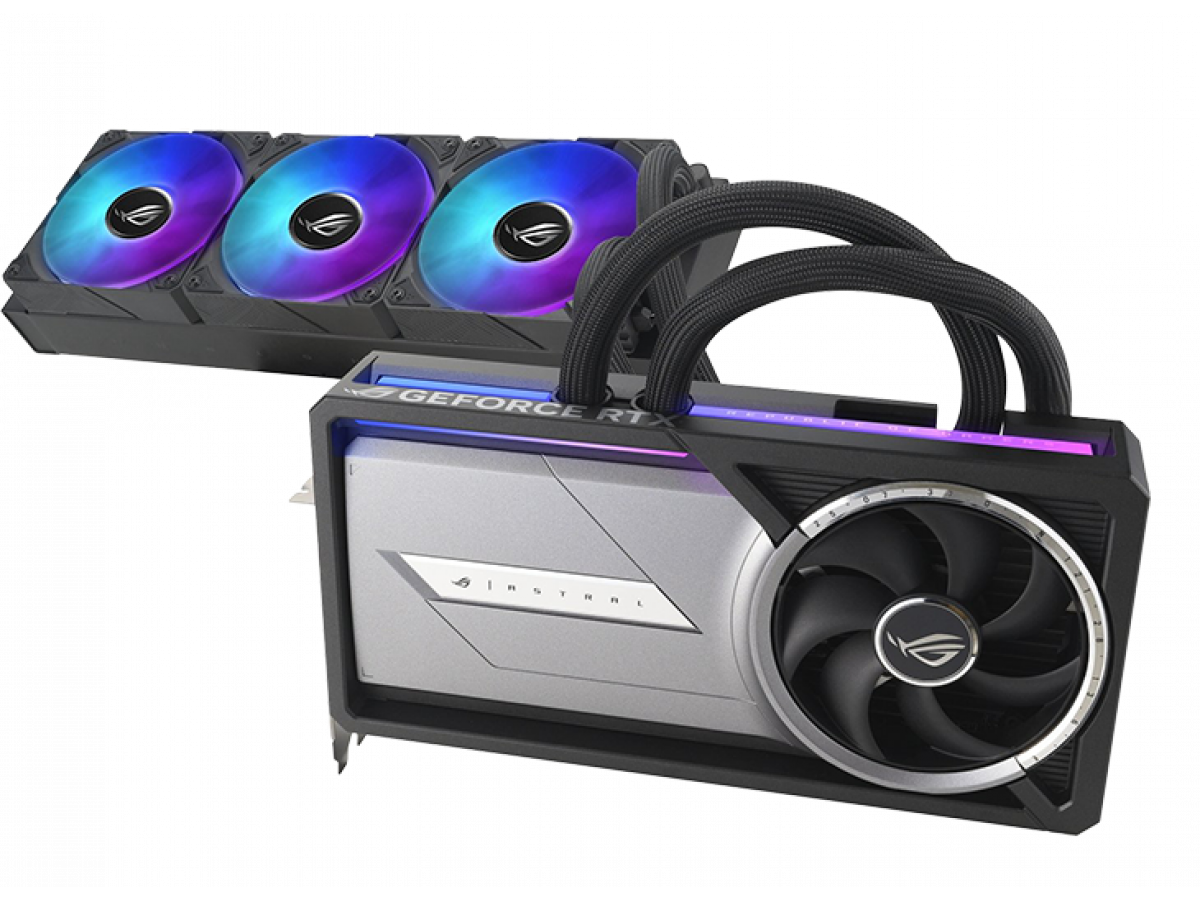
A discrete graphics card (dGPU) is a separate graphics module with its own memory (VRAM) and cooling system. It is specifically designed to handle complex graphics, so it has much higher performance than an integrated solution.
Advantages of discrete graphics:
- High performance — suitable for gaming, 3D rendering, working with video and graphics programs.
- Dedicated video memory — does not overload the computer's RAM.
- Advanced capabilities — support for new technologies (Ray Tracing, DLSS, AI optimization).
Disadvantages:
- Higher price — laptops and PCs with dGPUs are significantly more expensive.
- Higher power consumption — affects the battery life of laptops.
- Size and noise — requires cooling, can be noisy under load.
What tasks are integrated graphics suitable for?
Integrated graphics are an excellent choice for:
- Office work (Word, Excel, email, browser);
- Studying and online classes;
- Watching videos, streaming, and movies in high quality;
- Simple games (Dota 2, CS:GO, Minecraft) on medium or low settings.
If you are looking for an affordable laptop with long battery life, iGPU is the optimal solution.
For what tasks should you choose discrete graphics?
A discrete graphics card is indispensable if you:
- Play modern games (Cyberpunk 2077, GTA V, Starfield) at high settings;
- Work with 3D models in Blender, AutoCAD, SolidWorks;
- Edit videos in 4K or process photos in Photoshop, Lightroom;
- Plan to use your PC for a long time with power to spare.
Here, you should consider graphics cards from the NVIDIA GeForce RTX or AMD Radeon RX series.
Integrated vs discrete: which is better?
There is no clear answer, as it all depends on your needs and budget:
- Integrated graphics are the best choice for office tasks, education, multimedia, and simple games. They are more economical and cheaper.
- Discrete graphics cards are necessary for gamers, designers, and those who work with “heavy” software. They provide maximum performance but are more expensive.
If your tasks are limited to working with documents, watching videos, and playing simple games, integrated graphics will be sufficient. However, if you plan to run modern games or work with professional graphics programs, you cannot do without a discrete graphics card. So, choose graphics based on your needs, not just technical specifications. After all, for some, a simple integrated iGPU will be the ideal solution, while another user will need all the power of a discrete card.
Write a comment